Flow 1 · Entry → Liquid stake (mint PSOL)
Home → "Start Earning" intro → Stake SOL amount → Review Stake → Phantom Fee sheet → mock status.
Marketing card explaining PSOL.
intro
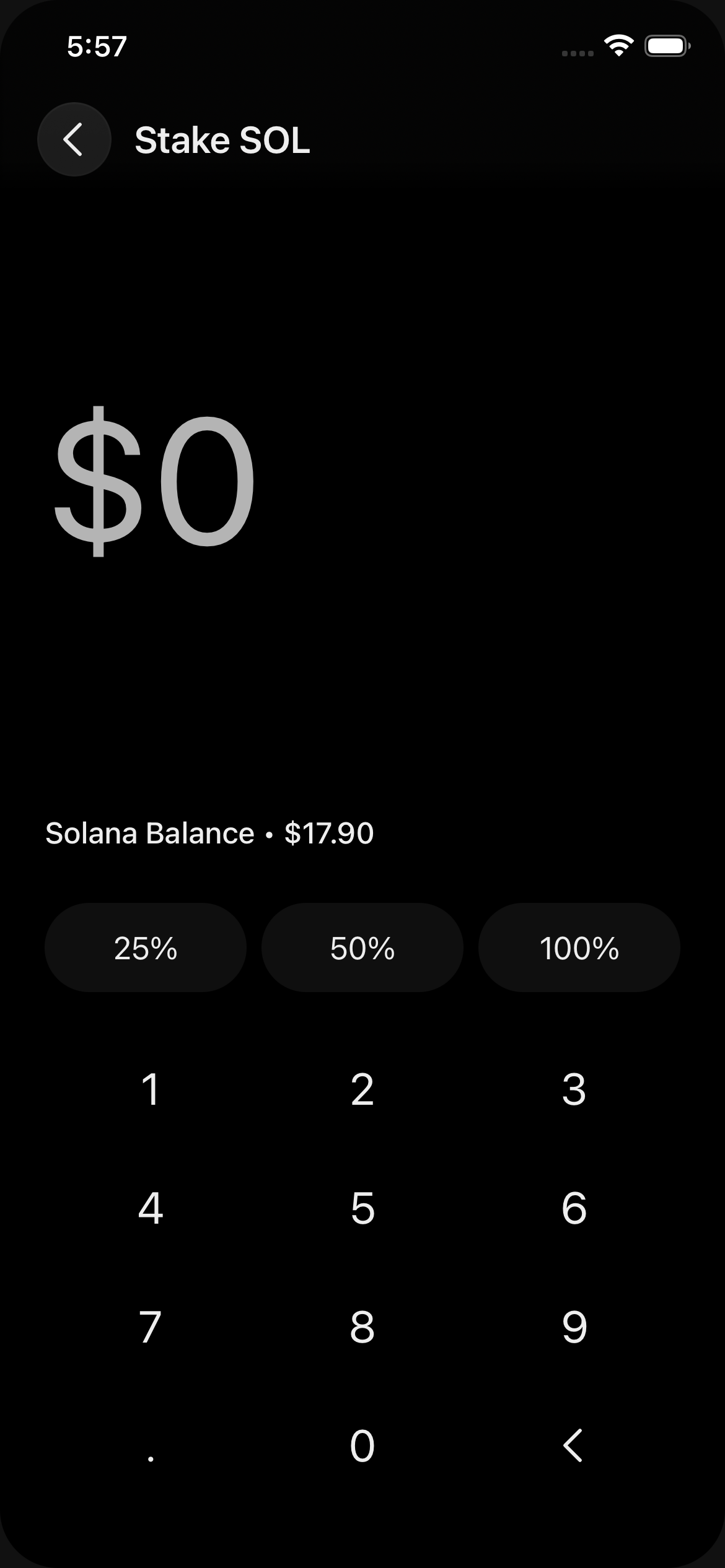
Title "Stake SOL", balance above keypad.
amount
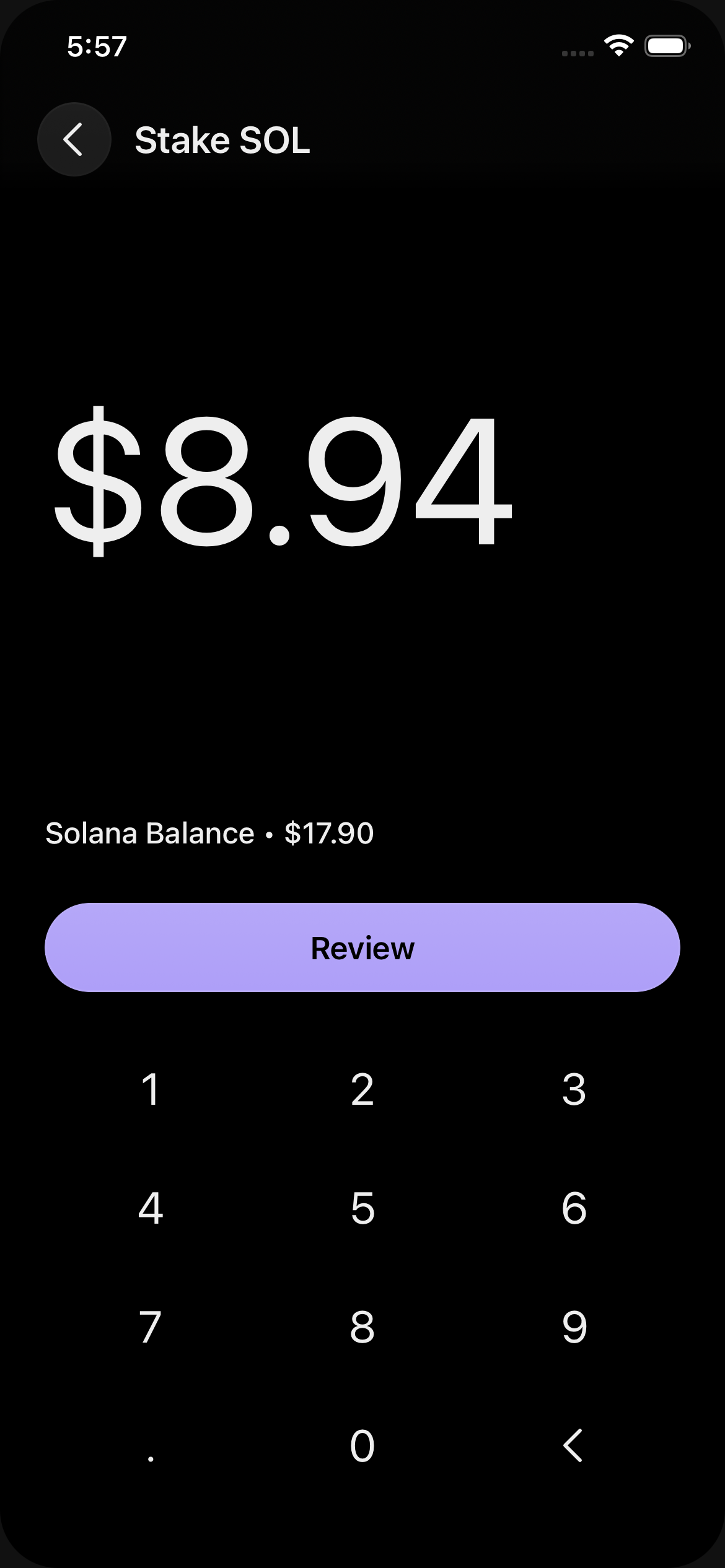
50% chip → $8.94. Review button enabled.
amount
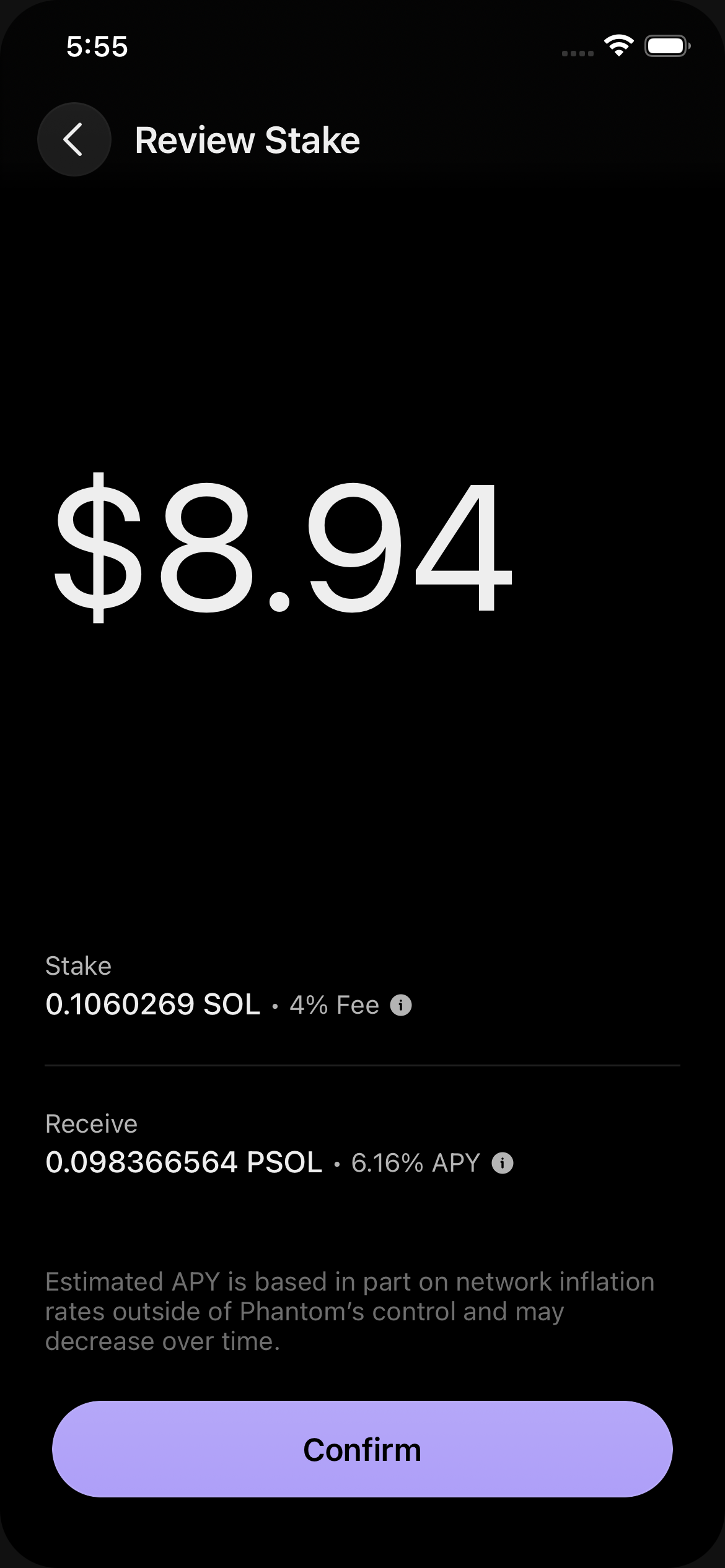
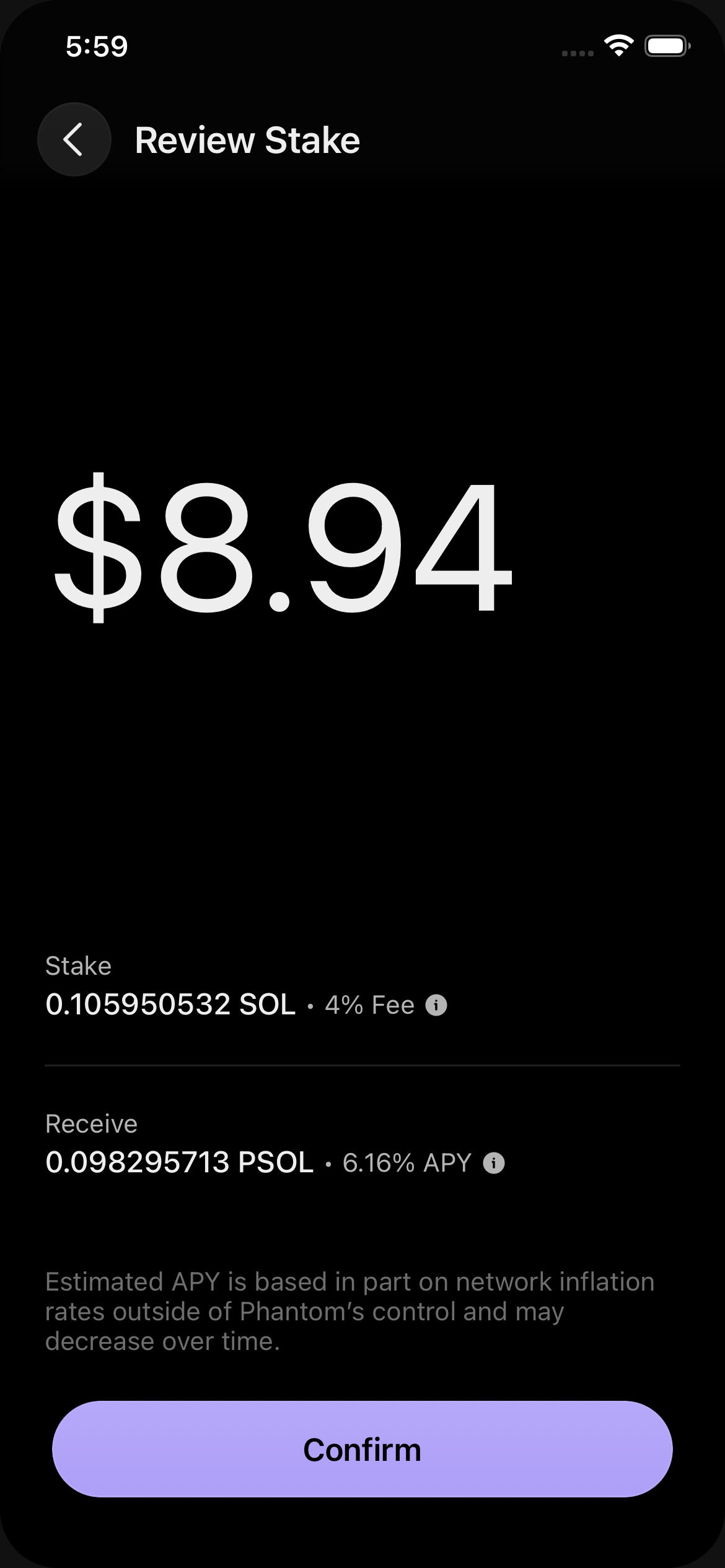
Row 1: Stake / X SOL · 4% Fee ⓘ. Row 2: Receive / Y PSOL · 6.16% APY ⓘ.
review
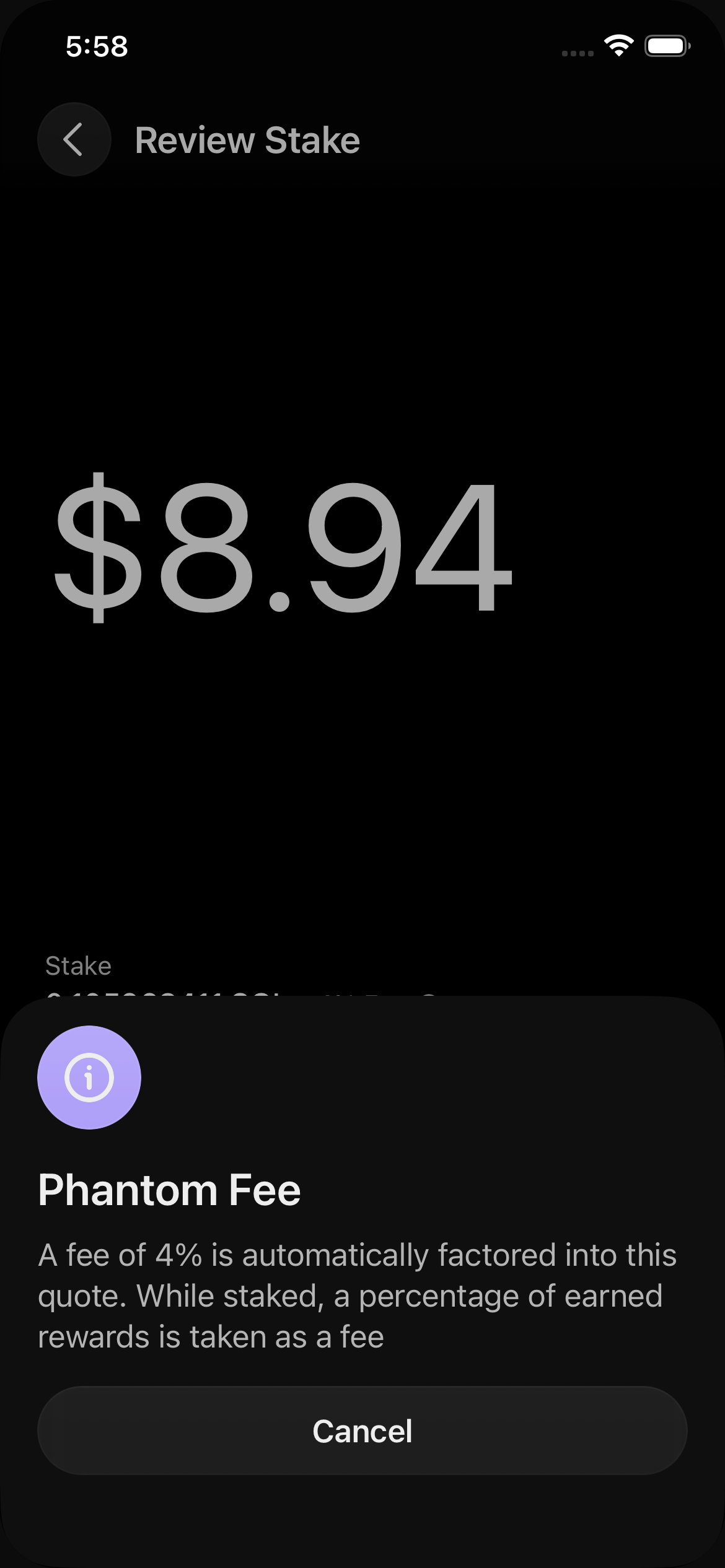
Tap the ⓘ next to "4% Fee" on the Stake row. BoundedIcon + Phantom Fee title + description + Cancel.
sheet
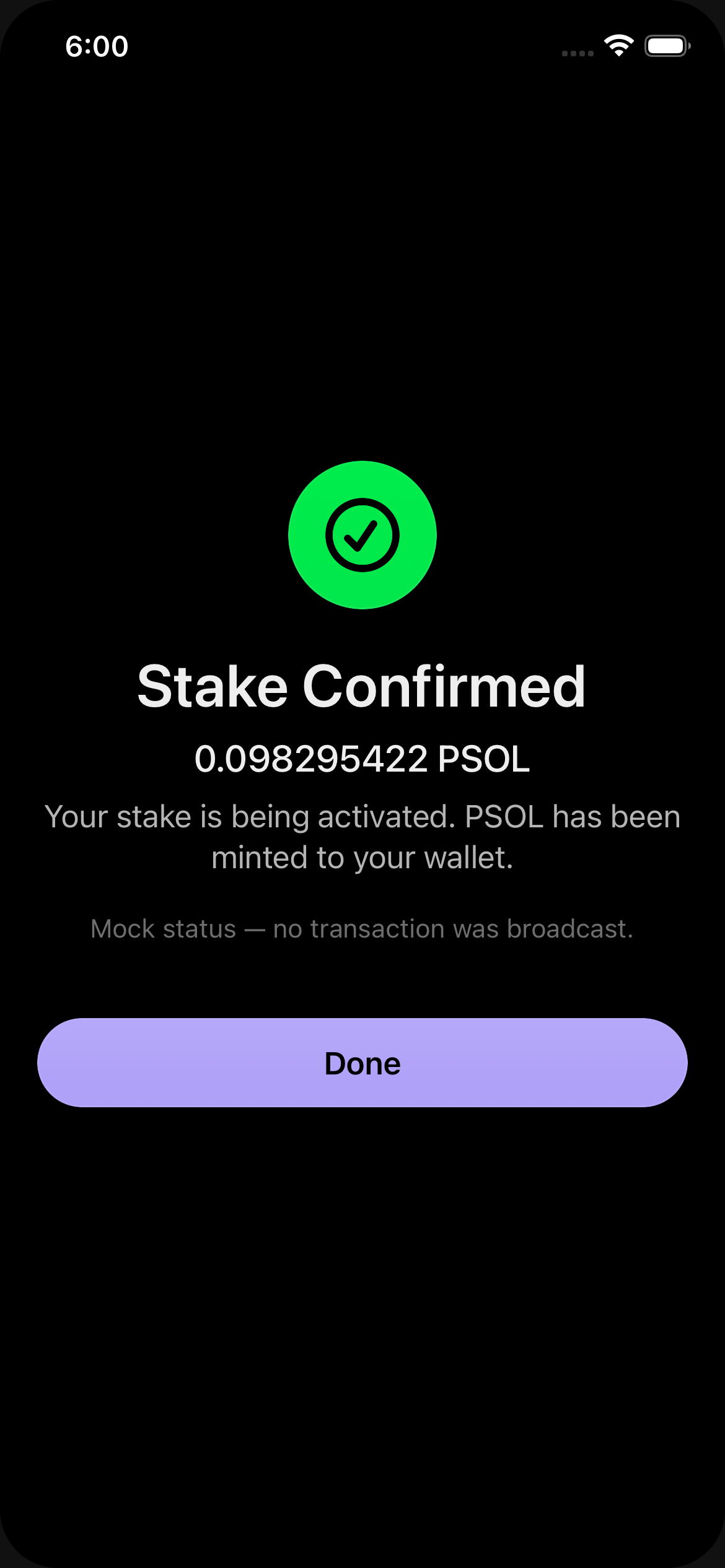
Stake Confirmed · receive amount in PSOL. No tx broadcast.
status
Flow 2 · Liquid unstake (PSOL → SOL)
Unstake PSOL amount → Review Unstake.
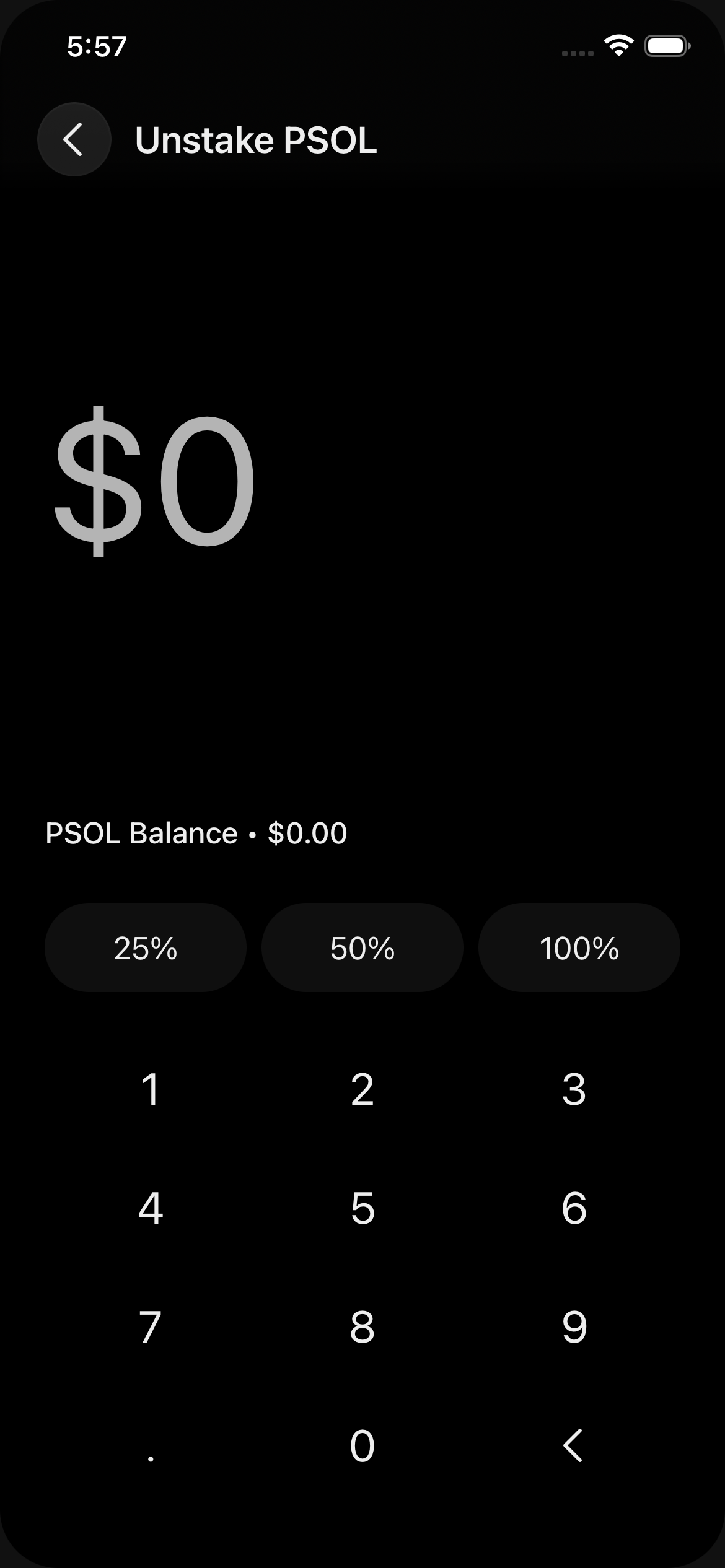
Title "Unstake PSOL", balance above keypad.
amount
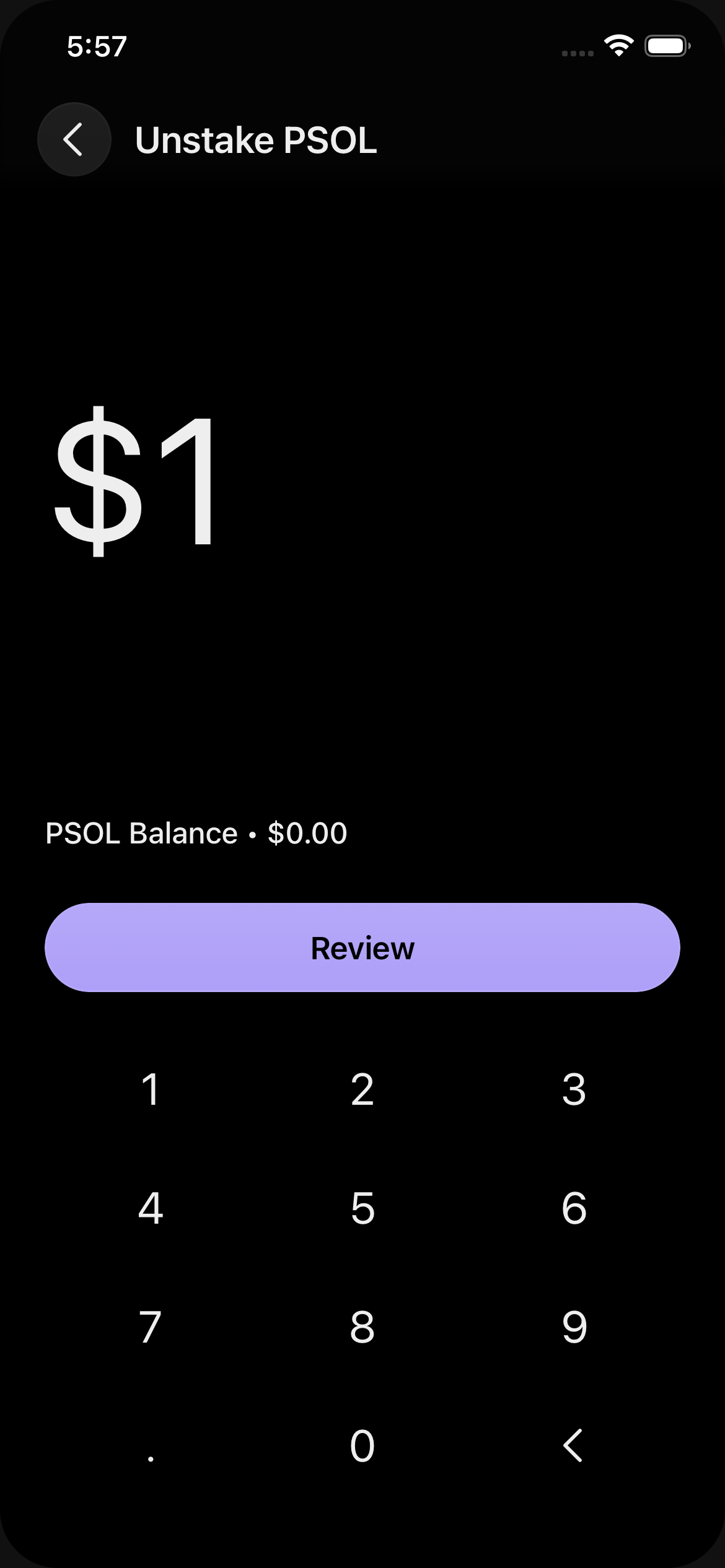
$1 entered (wallet has $0 PSOL, so Review disabled).
amount
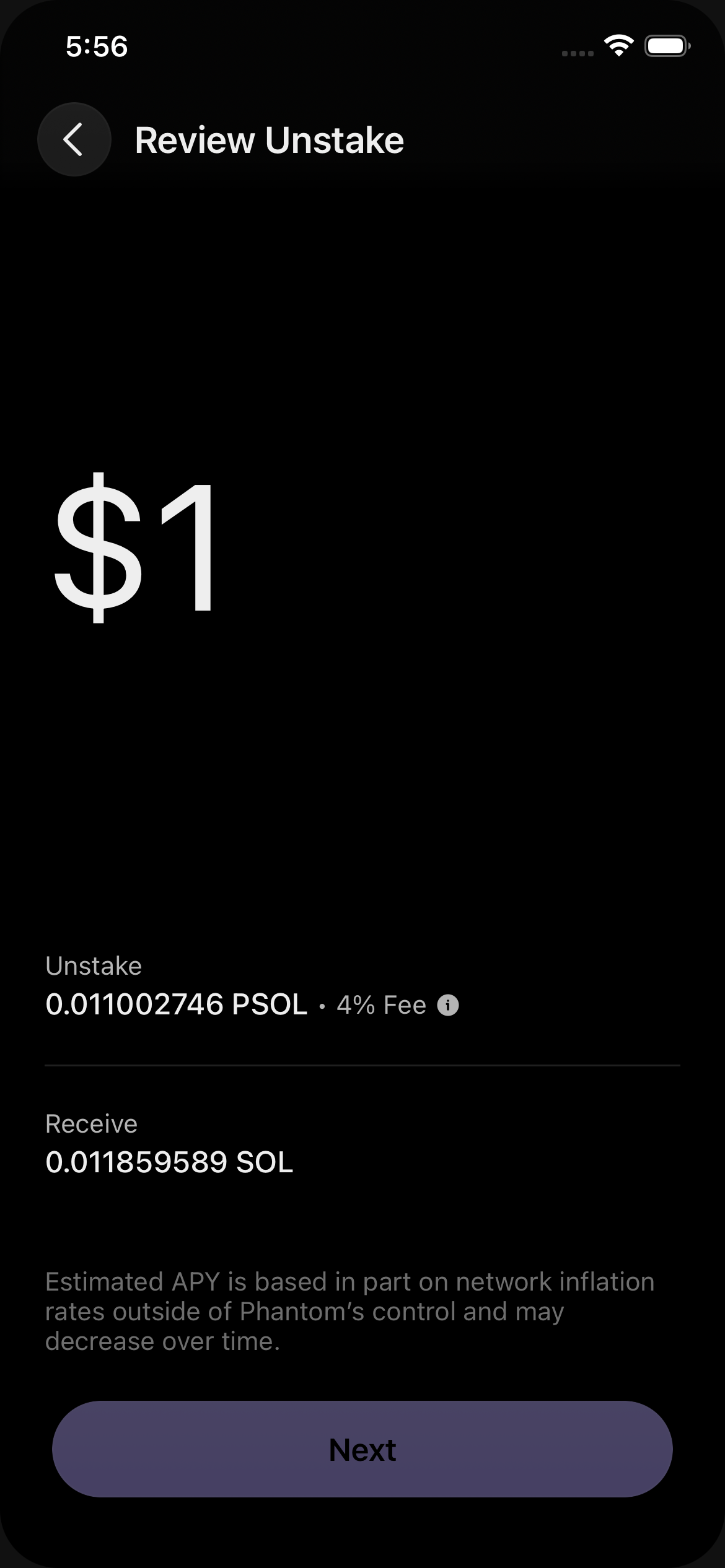
Row 1: Unstake / X PSOL · 4% Fee ⓘ. Row 2: Receive / Y SOL (no sub, no info).
review